The AI design studio for footwear
Go from photo to render in minutes. Test colorways and materials before you request a single sample.
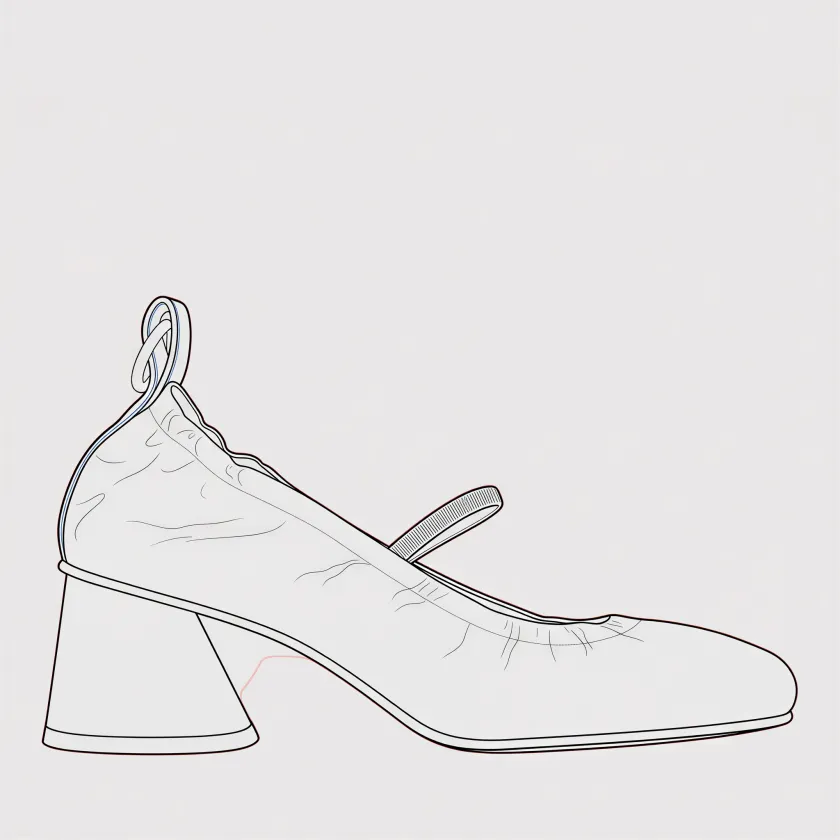
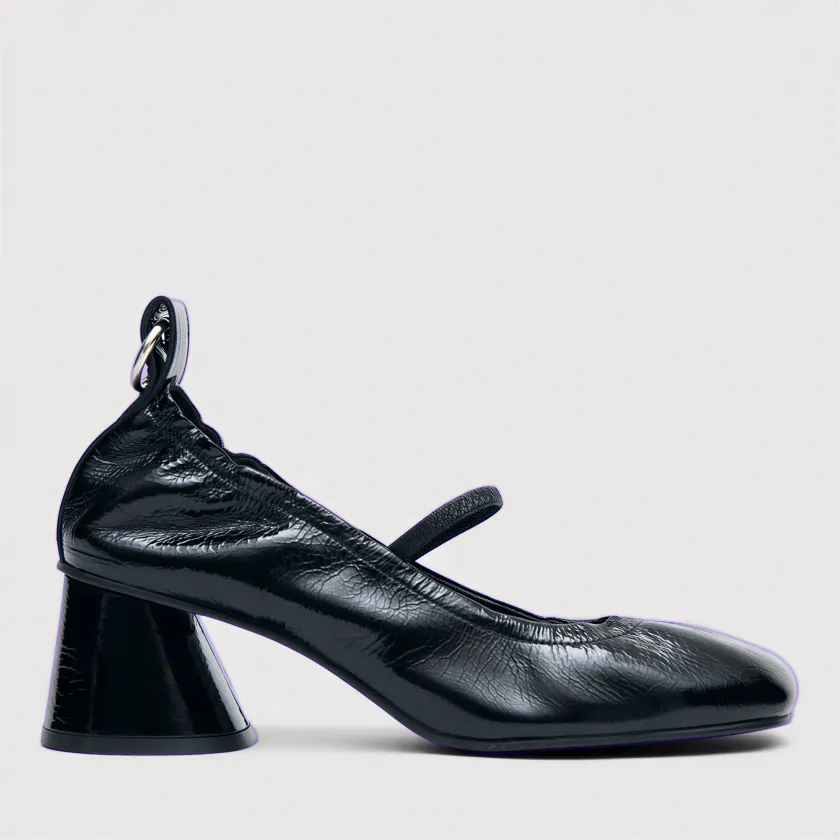
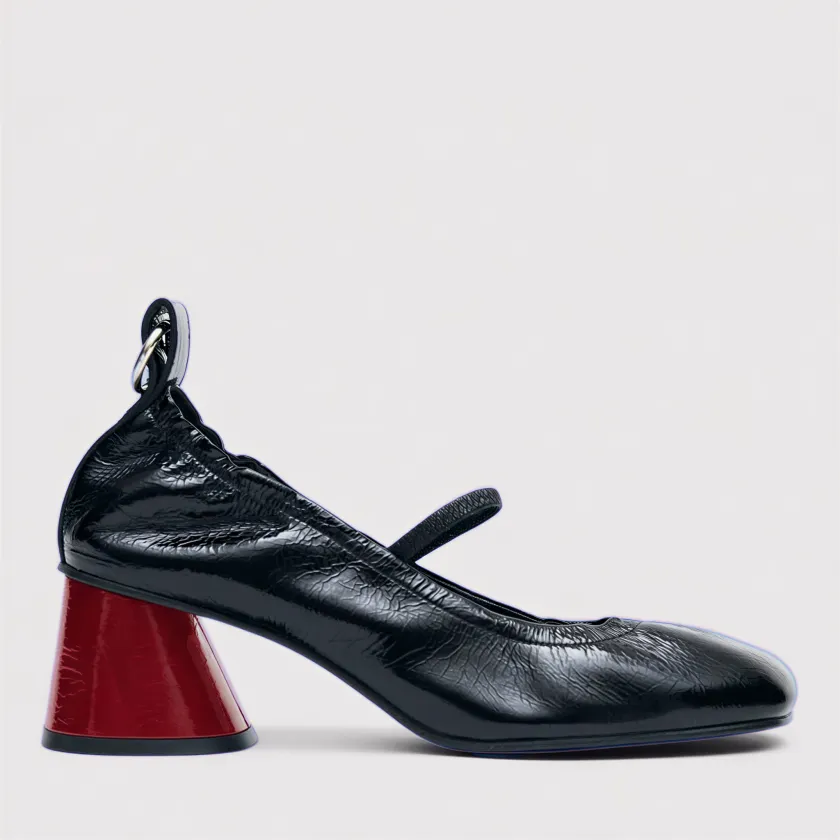
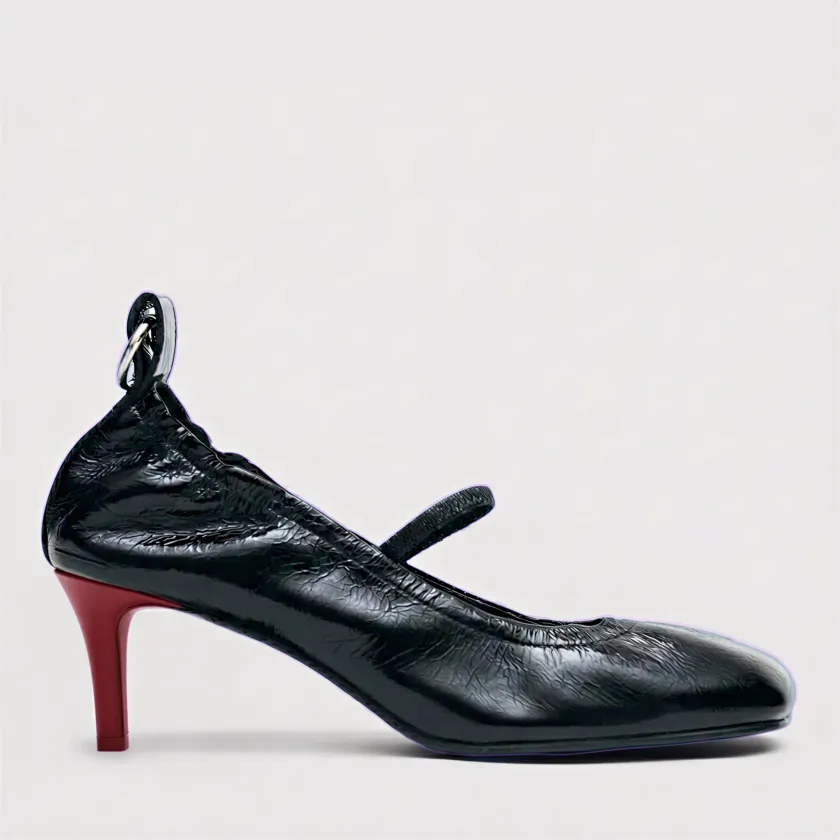
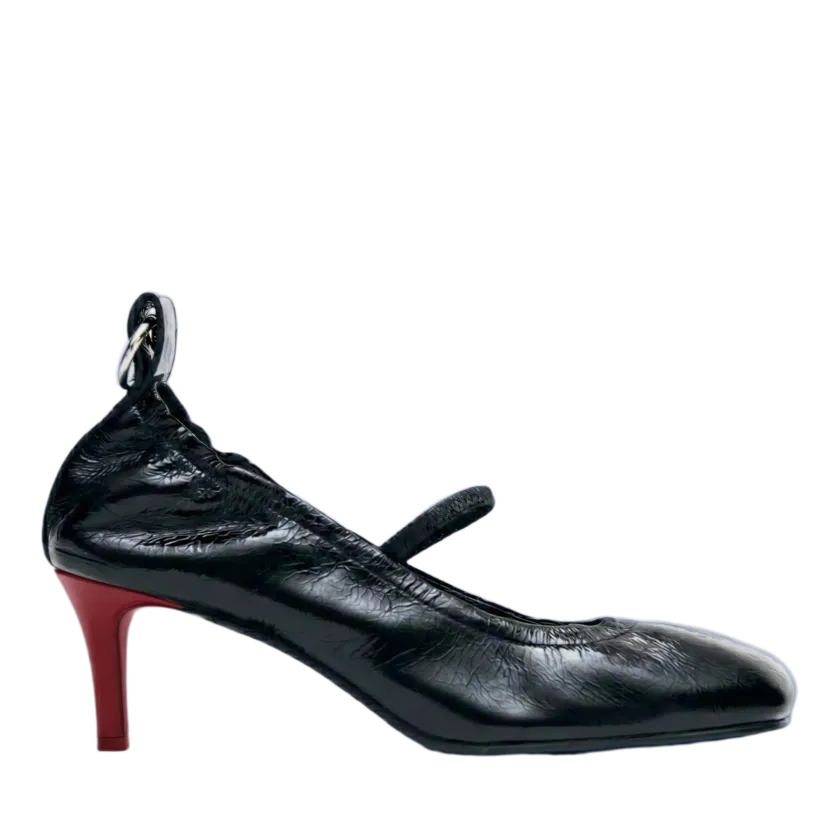
Instant recolor
Click any part of the shoe and change it. Colors, fabrics, your own swatches. No manual selection needed.
"Being able to control specific panels without changing the whole shoe makes it genuinely useful in a real workflow."
Fuse any styles
Combine the best parts of two different shoes into one new concept. Take the upper from one, the outsole from another.
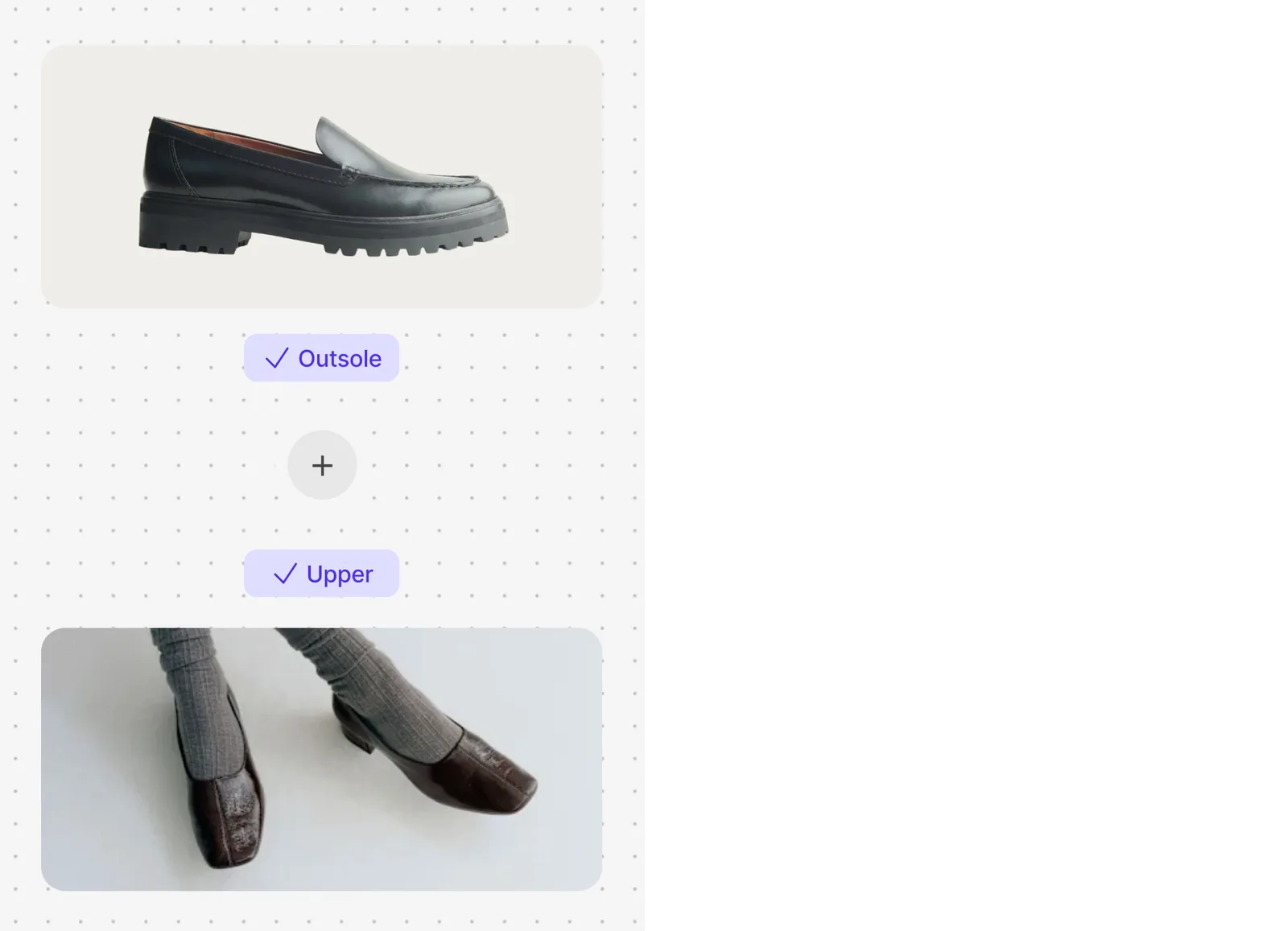
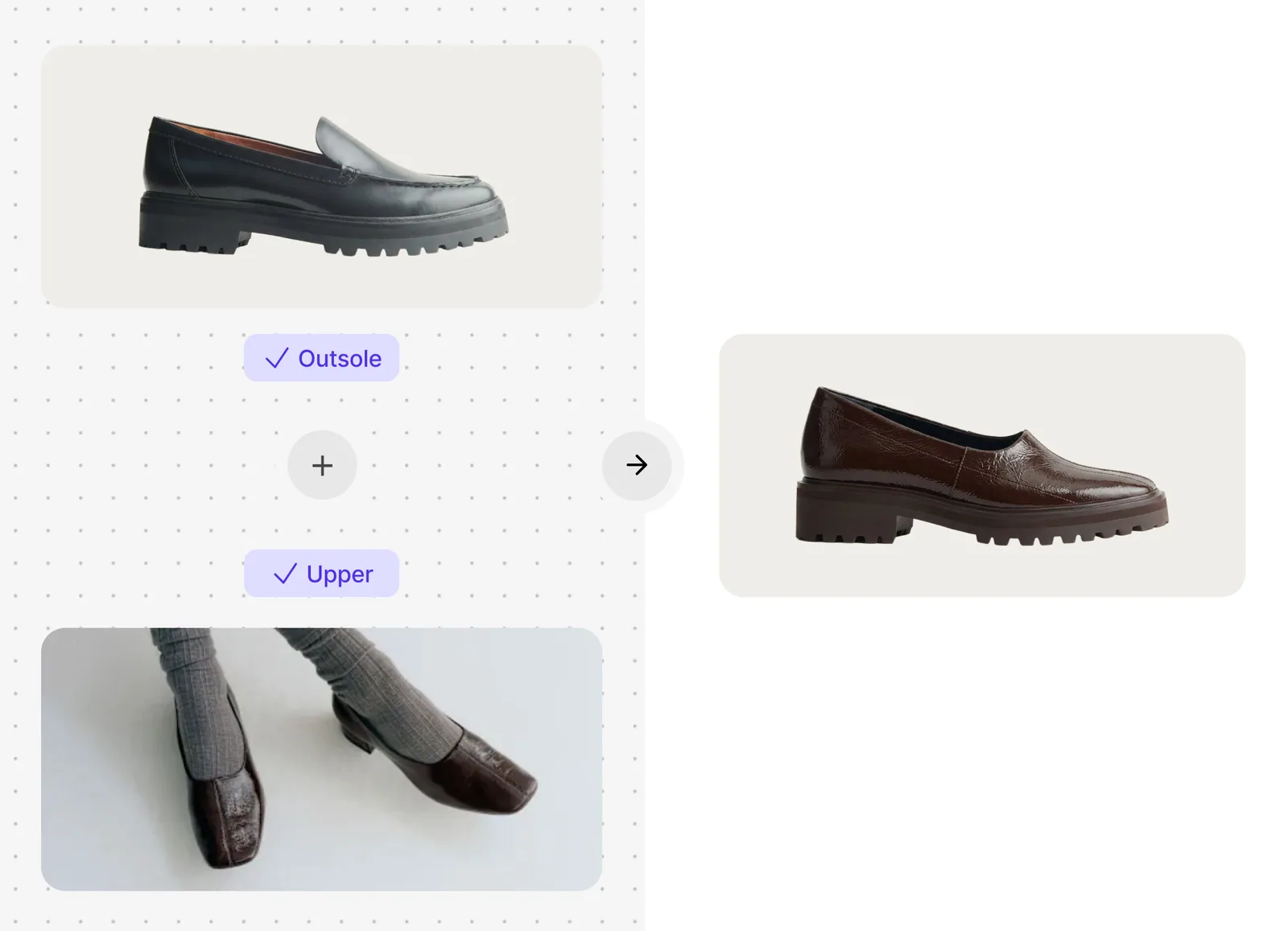
"It's been an amazing tool for my design process. Being able to combine uppers with different outsoles is a game changer."
Prompt editing
Describe changes in plain language. 'Make it leather with white stitching.' Watch it happen.
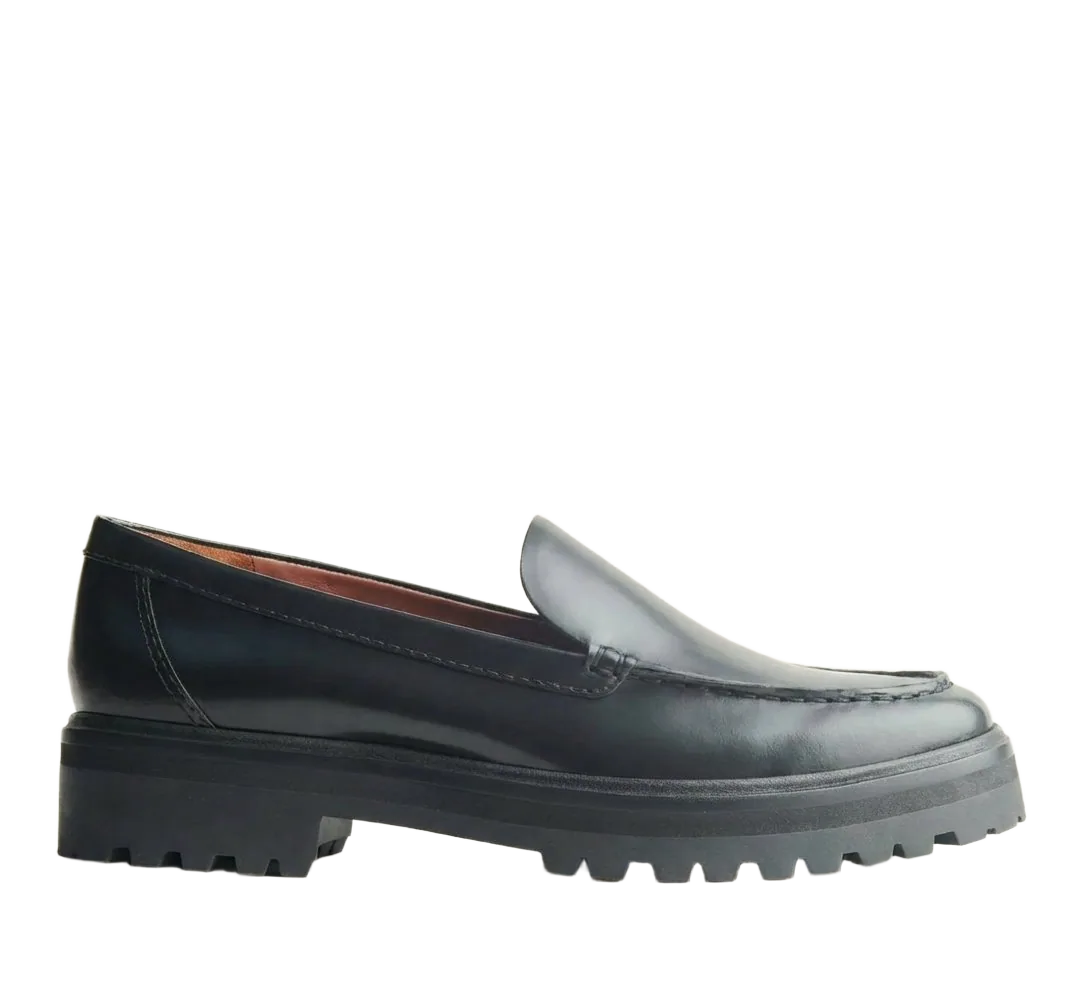
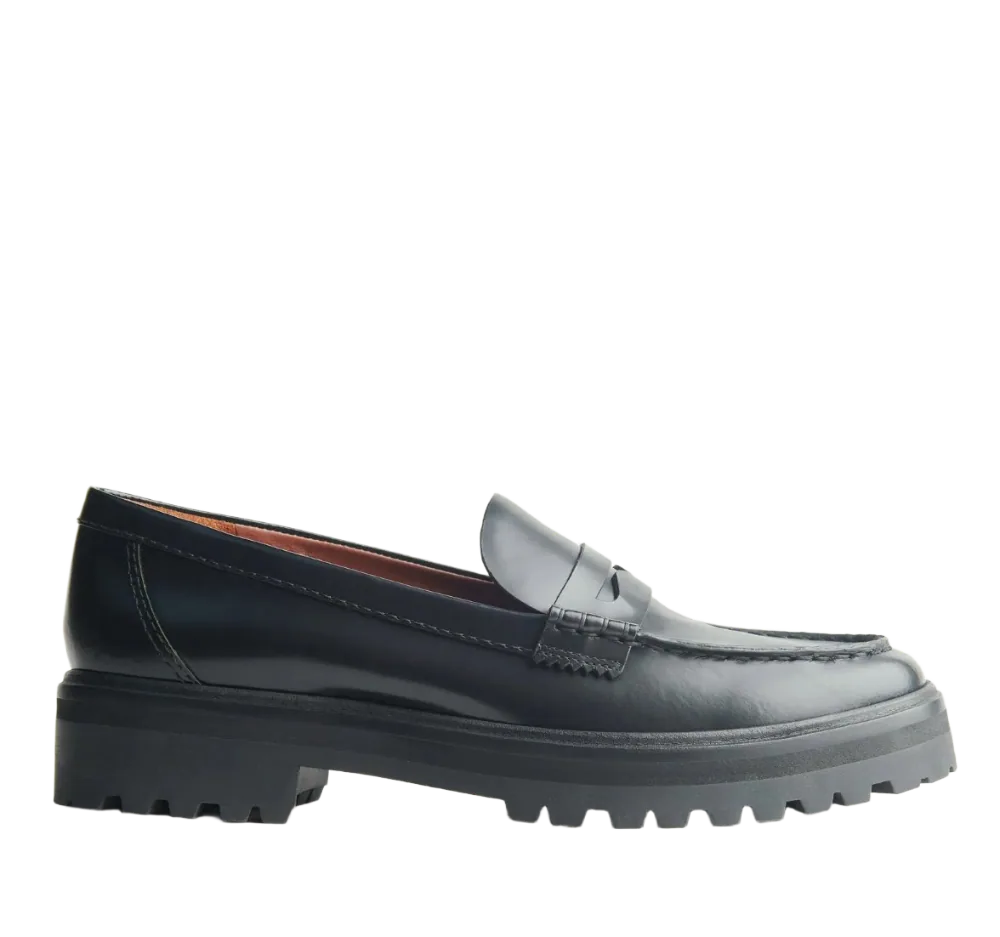
"It actually understands footwear terminology and is built specifically for footwear workflows. Super easy to learn and integrate into our process."
Production-ready tools
Everything you need to go from concept to presentation. Rotate, remove backgrounds, and export. All in one place.
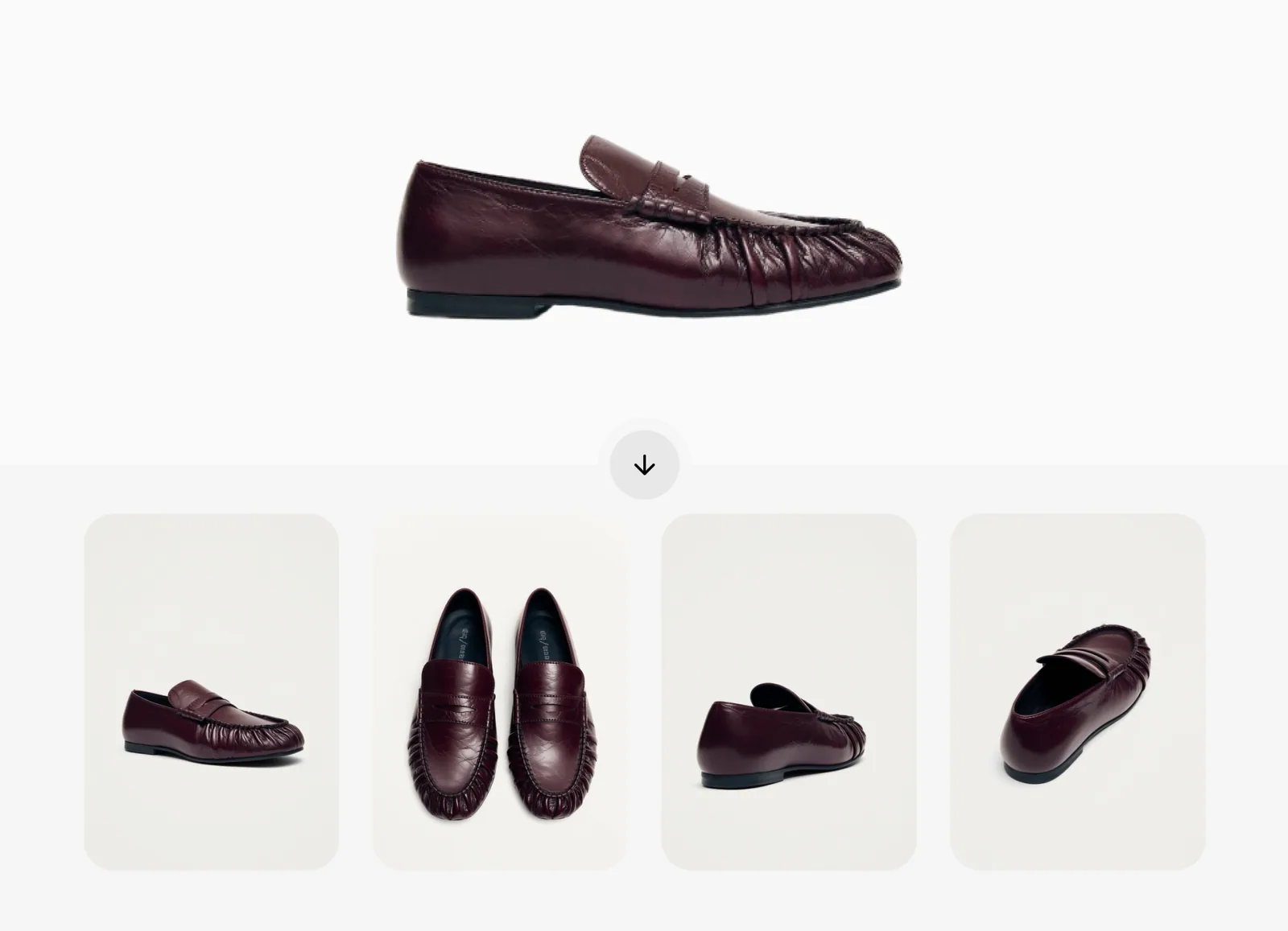
"Color placement is the best we've seen from any tool. A project that would have taken us three days, we finished in half a day."
Built for footwear. Not everything.
Most AI tools try to do everything. We just do footwear, and we do it the way you actually work.
Without Sole Studio
- Brief → sketch → model maker → sample → feedback5-6 weeks per round
- CAD software with a steep learning curve$10,000+ licenses, months before you're productive
- General-purpose AI that doesn't speak footwearFine for inspiration, hard to use in production
- Choosing materials from swatch cards, not the actual designHard to see the full picture until it's too late
With Sole Studio
- Upload → style → render. One session.Minutes, not weeks
- Productive on day one. Familiar tools, no training.Designed for designers, not engineers
- Knows uppers from outsoles, eyelets from midsoles.Every workflow is footwear-specific
- See real materials on your actual design before sampling.Make decisions with your eyes, not your imagination
Frequently asked questions
Everything you need to know about Sole Studio.
No. If you can use basic photo editing tools, you can use Sole Studio. The interface is intuitive: click to select shoe parts, pick colors or materials, and see results instantly. Most users are productive within minutes.
One credit, one AI action. Every AI feature costs the same: recoloring, prompting, fusing, rotating, removing backgrounds. No mental math, no surprises. Selecting regions, tweaking colors, and organizing your projects are always free.
All generated images are high resolution, suitable for presentations and product development. Export quality matches your input. Higher quality uploads produce higher quality outputs.
Yes. All plans include a commercial license. Designs you create in Sole Studio are yours to use for product development, client presentations, marketing materials, or any other commercial purpose.
Yes. You can upgrade or downgrade your plan at any time from your account settings. Changes take effect at the start of your next billing cycle. If you upgrade mid-cycle, you'll be credited for the unused portion of your current plan.
You can export designs as high-resolution PNG or JPEG images.
Yes. All data is encrypted in transit and at rest. Your designs are stored securely and are only accessible to you and your team members. We never share your designs with third parties.
Always shipping
We ship new tools and improvements constantly. Here's a look at what's landed lately.
Find Your Work
Pick up a board or project from Recents, or press ⌘K to search from anywhere. Move between boards from the board menu and hide the sidebar when you want more room to design. On Windows, use Ctrl instead of ⌘.
· v3.0· 3 more updatesStart With Your Recent Boards
Recents is now your home for boards. Search by name, narrow the list by project or contributor, and switch between Gallery and List. Open Properties to see a board's project and the people involved before you jump back in.
· v2.11· 4 more updatesBring Your Materials Onto the Board
Place saved colors, materials, and references beside your shoe designs. Drag them from the Library onto the board or into a Section, then move, resize, and duplicate them as you explore. Edit a shared asset once and its placements stay in sync. Removing a placement keeps the original in your Library.
· v2.10· 1 more update